
Most revision notes fail for the same reason: they were written live, in a lecture theatre, while you were also trying to understand the material. The result is patchy notes with gaps in the hardest sections — precisely the sections you'll need most at exam time.
The fix is to separate capturing the lecture from processing it. Capture is a recording's job. Processing — organising, condensing, self-testing — is yours. This guide walks through the whole method.
Step 1: Get a recording of the lecture
You have two options. Record it yourself on your phone or laptop (check your university's policy — most permit recording for personal study, and students with learning support plans are often explicitly covered), or use your university's lecture capture system, which usually publishes recordings within a day or two.
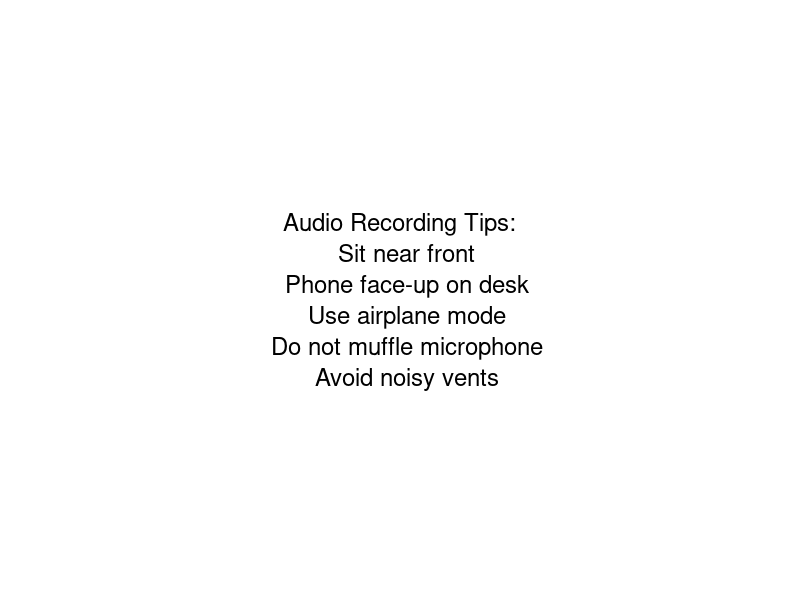
If you're recording yourself, sit reasonably close to the front and put the phone on the desk rather than in a bag. That's genuinely all the technique required — transcription handles imperfect audio far better than you'd expect.
Step 2: Turn the recording into a transcript
An hour-long lecture is about 8,000–9,000 spoken words. You are not going to re-listen to all of it — and you shouldn't. A transcript turns the lecture into something you can skim, search, and quote.
Upload the recording to NoteMate and you'll get a timestamped, speaker-labelled transcript in a few minutes. The timestamps matter more than they sound: when a section of your notes doesn't make sense later, you click the line and hear the lecturer's exact explanation, rather than scrubbing through an hour of audio.
Step 3: Generate a structured outline
A transcript is complete but flat. Revision notes need structure — topics, key concepts, definitions, examples. This is the step AI does genuinely well: NoteMate's lecture mode takes the transcript and produces an outline organised by topic, with definitions and examples pulled out.
At this point you have something most students never had before AI: a complete, structured record of the lecture, made in minutes, with zero gaps. But don't stop here — the next two steps are where the actual learning happens.
Step 4: Condense it yourself
Reading AI notes is passive; condensing them is active. Take the outline and reduce each topic to the smallest version you can — a few bullet points, a diagram, a one-line definition in your own words. The act of deciding what to cut is what encodes the material.
A good target: one page of your own condensed notes per lecture. If a topic resists condensing, that's a signal you don't understand it yet — go back to the transcript, click the timestamp, and re-listen to just that explanation.
Step 5: Turn notes into questions
Re-reading notes feels productive and mostly isn't. Testing yourself is what works — decades of research on active recall say so. Convert your condensed notes into questions: cover the page and try to reproduce the definition, or generate a Q&A version of the lecture in NoteMate and quiz yourself from it. Feed key terms into a spaced repetition tool like Anki if that's part of your system.
The weekly rhythm that makes this work
- Same day as the lecture: upload the recording, skim the outline (10 minutes).
- Within the week: condense to one page of your own notes (20–30 minutes).
- Revision period: work from your condensed pages and self-test; use the searchable transcripts when you hit something you half-remember.
The maths is worth spelling out: processing a lecture this way takes 30–40 minutes. Rewatching one takes an hour before you've made a single note. Across a 20-lecture module, the method saves you days.
What if you're already behind?
The method works retroactively. If you have a backlog of lecture-capture recordings, batch-upload them and read the outlines first — triage, then condense only the topics on the exam. We've written a full guide on catching up when you've fallen behind in lectures.
Ready to try it on your next lecture? NoteMate is free to start, with no credit card needed.