
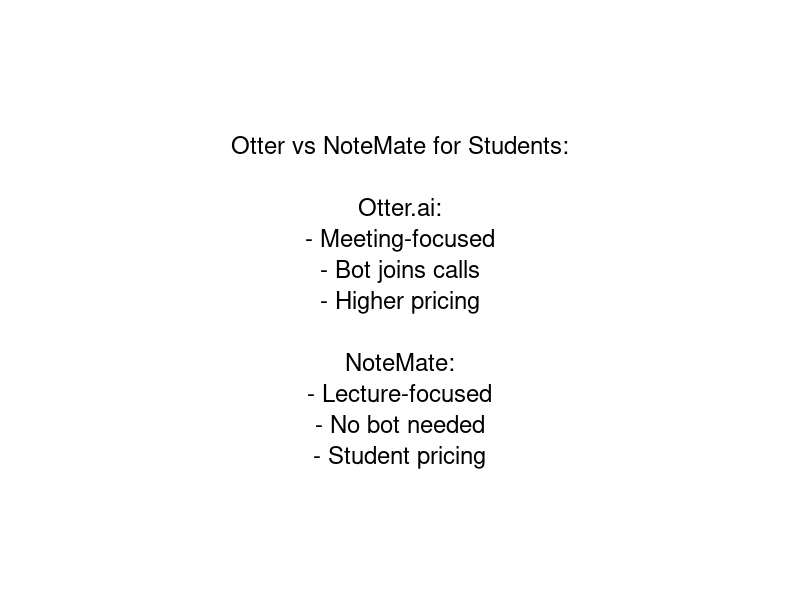
Otter.ai pioneered the AI notetaker space and built a large user base, particularly in corporate meeting contexts. But students increasingly find that it doesn't quite fit their workflow — the pricing feels misaligned with student budgets, the summarisation is geared toward meetings rather than academic content, and the bot-joining feature creates friction in academic settings.

If you're looking for an Otter.ai alternative for university use, here's an honest comparison of your options.
What Students Actually Need (vs What Otter Offers)
Before comparing tools, it's worth understanding the different use cases. Otter.ai is built primarily for professional meetings — it integrates with Zoom, Teams, and Google Meet, joins calls as a bot, and produces transcripts and meeting summaries with action items.
Students have a different set of needs:
- In-person lecture recording: Many lectures are in physical rooms, not online calls. You need a tool that works from uploaded audio files, not just live call integrations.
- Academic summarisation: A good student summary surfaces concepts, definitions, examples, and things to follow up — not action items and next steps.
- No-bot recording: Adding a bot to an online seminar or tutorial can feel inappropriate and may violate institutional recording policies. Local recording and upload is cleaner.
- Student pricing: Professional tool pricing (£12–20+ per month for meaningful usage) is hard to justify on a student budget.
- Usability: Students want something that works without IT support or complex setup.
Otter.ai: The Honest Assessment
What it does well: Otter has excellent live transcription, smooth Zoom integration, and a clean speaker-identification interface. Its collaborative features are useful for team projects where multiple people need access to notes.
Where it falls short for students: The free tier is very limited (300 minutes per month, but with import restrictions and no summary generation on free). Summaries are meeting-oriented rather than lecture-oriented. There's no dedicated academic mode. The AI Channels feature (auto-joining meetings) is more relevant for corporate users than students.
Pricing on Otter.ai's Pro plan sits at around $16.99/month (billed annually) — reasonable for a professional expense, less so for a student.
Fireflies.ai
Best for: Students who have a lot of online group project meetings
Fireflies.ai offers strong meeting transcription with good speaker identification and a searchable archive of past meetings. Like Otter, it's primarily meeting-focused and joins calls as a bot.
The free plan is genuinely limited — storage caps mean you can only keep a small number of recordings. For lecture transcription, the meeting-centric UI can feel awkward. Paid plans start at around $10/month.
Fathom
Best for: Students who primarily attend Zoom lectures and tutorials
Fathom integrates tightly with Zoom and offers a very good free tier for Zoom users specifically. If most of your university learning happens in Zoom sessions and your institution permits bot recording, Fathom is genuinely impressive and free for unlimited Zoom meetings.
The limitation: it only works with Zoom, so in-person lectures, Teams-based universities, or other platforms aren't supported. It also uses the bot-joining approach.
Notion AI + Voice Memos
Best for: Students already embedded in the Notion ecosystem
Some students use Notion AI's transcription feature alongside phone recordings. This is workable but clunky — you're stitching together multiple tools and the summarisation quality is variable. It's also not particularly cheap once you factor in a Notion Plus plan.
NoteMate
Best for: Students who want the best combination of accuracy, academic summarisation, and value
NoteMate was built for the student workflow from the ground up. For why it's the top choice for students, check our best AI notetaker guide and automatic note-taking tutorial. The key differences from Otter and meeting-focused tools:
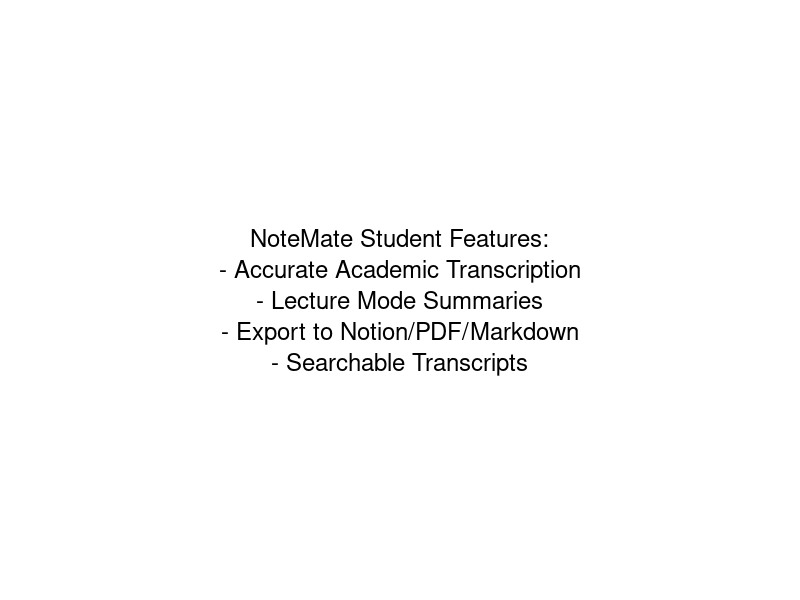
- No bot required: Record on your phone or laptop, upload the file. Works for in-person lectures, online lectures, seminars, and study group discussions.
- Lecture mode: Summarisation specifically tuned for academic content — surfaces concepts, definitions, examples, and follow-up actions rather than meeting action items.
- All file formats: MP3, MP4, WAV, M4A — whatever your phone or recording setup produces, NoteMate can handle it.
- Simple pricing: A meaningful free tier (60 minutes/month) and affordable paid plans designed with student budgets in mind.
- Speaker identification: If multiple people are speaking in a seminar or group discussion, NoteMate can identify and label each speaker.
How to Choose
The right Otter.ai alternative depends on your specific situation:
- Mostly Zoom lectures? Try Fathom first — it's free for Zoom.
- Mix of in-person and online, want academic summaries? NoteMate is the strongest option.
- Heavy group project meeting user? Fireflies.ai has a reasonable free tier for this use case.
- Already in the Notion ecosystem? Notion AI transcription is convenient even if not the most powerful.
The Bottom Line
Otter.ai is a good tool, but it's not designed for students. The meeting-centric approach, bot-joining model, and pricing structure are all calibrated for professional use. Students are better served by tools built around the lecture recording workflow — recording locally, uploading after, and getting academic-quality summaries.
If you haven't already, try NoteMate on your next few lectures. The free tier gives you 60 minutes per month — enough to evaluate whether the transcript and summary quality meets your standards before committing to a paid plan.