
University lectures move fast. Professors jump from concept to concept, draw on the whiteboard, and expect you to absorb it all while simultaneously taking notes. For most students, this is an impossible balancing act — you can either listen and understand, or write, but rarely both at the same time.

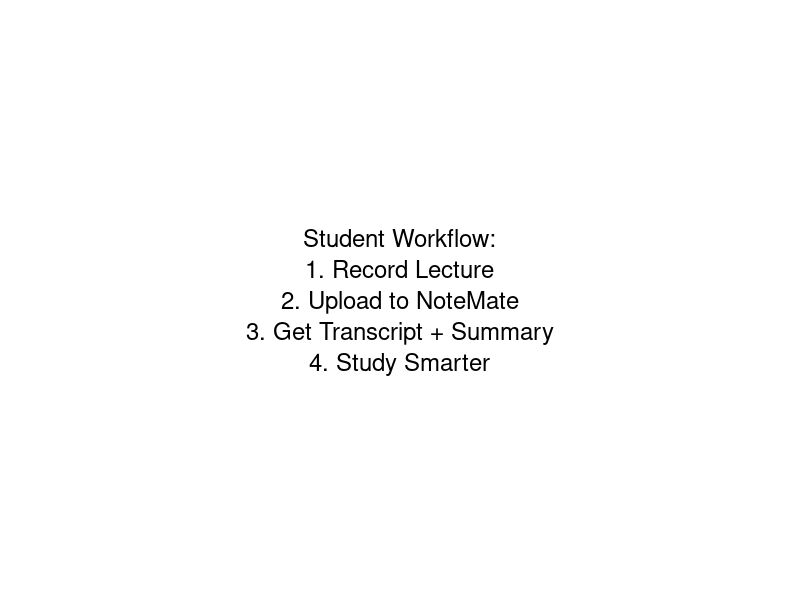
That's exactly the problem AI notetakers solve. Record your lecture, upload it, and within minutes you have a full transcript, a structured summary, and key takeaways you can actually study from. In 2026, this technology has become genuinely accurate and affordable — making it one of the most powerful tools in any student's arsenal.
Why Traditional Note-Taking Lets Students Down
The traditional approach — pen and paper or typing furiously into a laptop — has a fundamental flaw. The cognitive load of listening, processing, and writing simultaneously is enormous. Research consistently shows that students retain less of a lecture when they're focused on transcription rather than comprehension.
The result? You end up with patchy notes full of gaps, especially during the moments you were struggling to understand something and fell behind. Those gaps tend to appear exactly where you needed the most detail.
What to Look for in an AI Notetaker for Students
Not all AI notetakers are built the same. Here's what actually matters for university use:
- Accuracy on academic content: Can it handle technical terminology, subject-specific jargon, and accented English from international lecturers?
- Summarisation quality: A raw transcript is useful, but a structured summary organised by topic is what you'll actually revise from.
- Privacy: Some tools require a bot to join your online lecture call, which can feel intrusive and may not be permitted by your institution. Look for tools that let you record locally and upload after.
- Export options: You need notes you can actually use — copy into Notion, export to PDF, or paste into your study system.
- Affordable pricing: Students have limited budgets. The tool needs to be either free or very low cost.
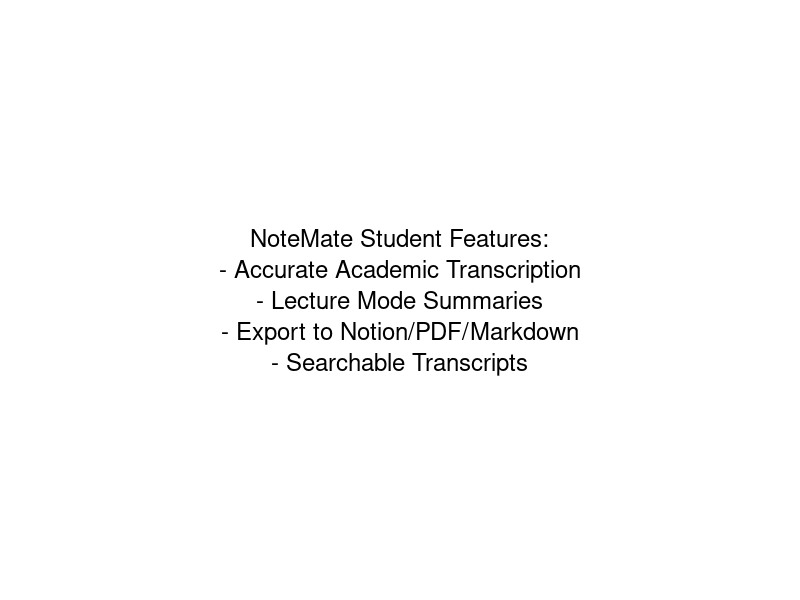
Discover all the NoteMate features designed for students including accurate transcription and export options.
How NoteMate Works for University Students
NoteMate is designed around the student workflow. You record your lecture on your phone or laptop — no bots, no software integrations required — and upload the audio file afterwards. The AI transcribes the recording and then generates a structured set of notes in lecture mode, which is specifically tuned for academic content. For a full step-by-step guide, read our guide to automatic lecture notes or learn how to convert lecture recordings to notes.
The lecture summary gives you:
- A clear overview of the main topics covered
- Key definitions and concepts explained in plain language
- Important examples and case studies your professor mentioned
- Action items — readings to do, assignments mentioned, dates to note
Because you recorded the entire lecture, nothing is missing. You can also search the full transcript for specific moments — so when you're revising and need to find exactly what your professor said about a particular theory, you can look it up in seconds.
Study Tips: Getting the Most from AI Lecture Notes
AI notes are a starting point, not a replacement for active study. Here's how to use them effectively:
Review within 24 hours
The forgetting curve is steep. Read through your AI-generated summary within a day of the lecture while the content is still somewhat fresh. This is dramatically more efficient than trying to make sense of notes weeks later when preparing for exams.
Annotate, don't just read
Export your notes to your preferred system — Notion, Obsidian, Apple Notes — and add your own annotations. The AI gives you the what; you add the why and how it connects to what you already know.
Use the transcript for tricky sections
When a concept in the summary doesn't make sense, go back to the full transcript and read exactly what was said. You can often hear (in text form) the specific phrasing your professor used, which helps decode complicated explanations.
Create flashcards from key terms
The AI will surface definitions and technical terms. Feed these into Anki or your preferred spaced repetition system for long-term retention.
Is It Academic Misconduct?
Recording lectures for personal study is generally permitted at most universities, though you should check your institution's specific policy. Using AI to transcribe and summarise your own recordings for study purposes is equivalent to using any other study tool — it's the same as using a textbook or a study guide. The notes are helping you learn the material, not doing your assessed work for you.
If in doubt, ask your academic department. Most institutions have updated their policies to address AI tools in the context of study aids versus assessed submissions.
The Bottom Line
The best AI notetaker for university students is one that fits seamlessly into how you already study, produces accurate and useful summaries, and doesn't require you to change your behaviour in the lecture itself. Record normally, upload when you get home, and wake up the next morning with a full set of structured notes ready to study from. With a free tier — 60 minutes of transcription per month, roughly one full lecture — and affordable paid plans for students, it's worth trying on your next module.
That's the workflow NoteMate is built for. With a free tier — 60 minutes of transcription per month, roughly one full lecture — it's worth trying on your next module. Visit note-mate.app to get started, or explore more study tips on our blog.